Watch the demonstration on YouTube
Ink at the speed
of your ideas.
cvELD Quick INK adds real-time outline and ink effects to Blender. Preview linework while modeling, fine-tune color and thickness, and bring graphic definition to characters and environments.
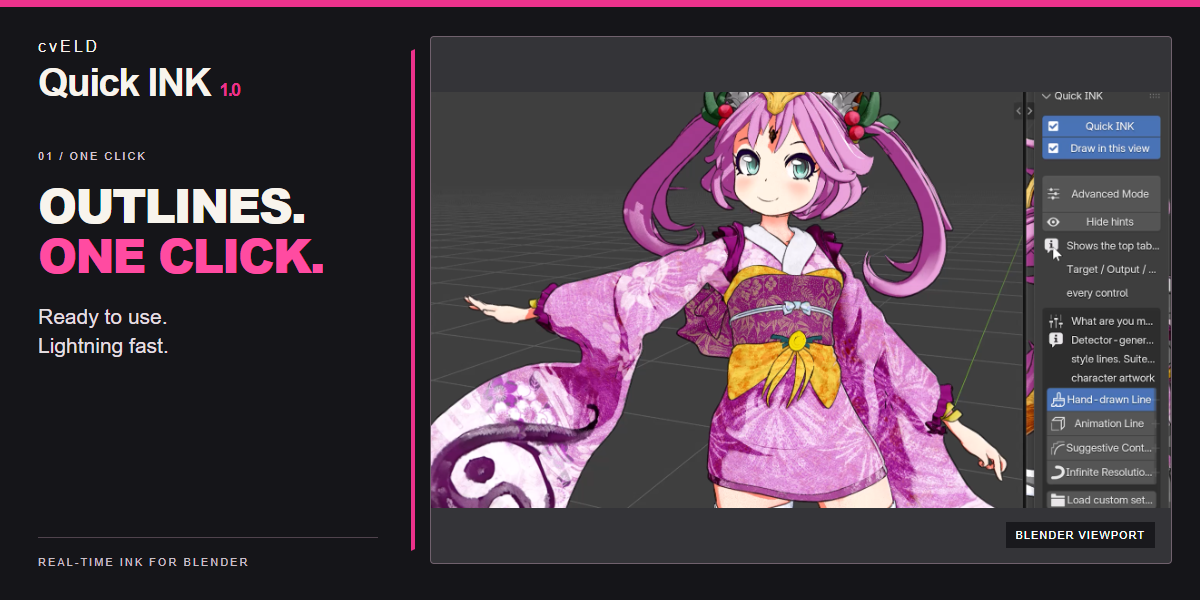
Instant outlines
Turn on Quick INK and Draw in this view to bring expressive ink into your viewport. Start with a use-case preset, then make the look your own.
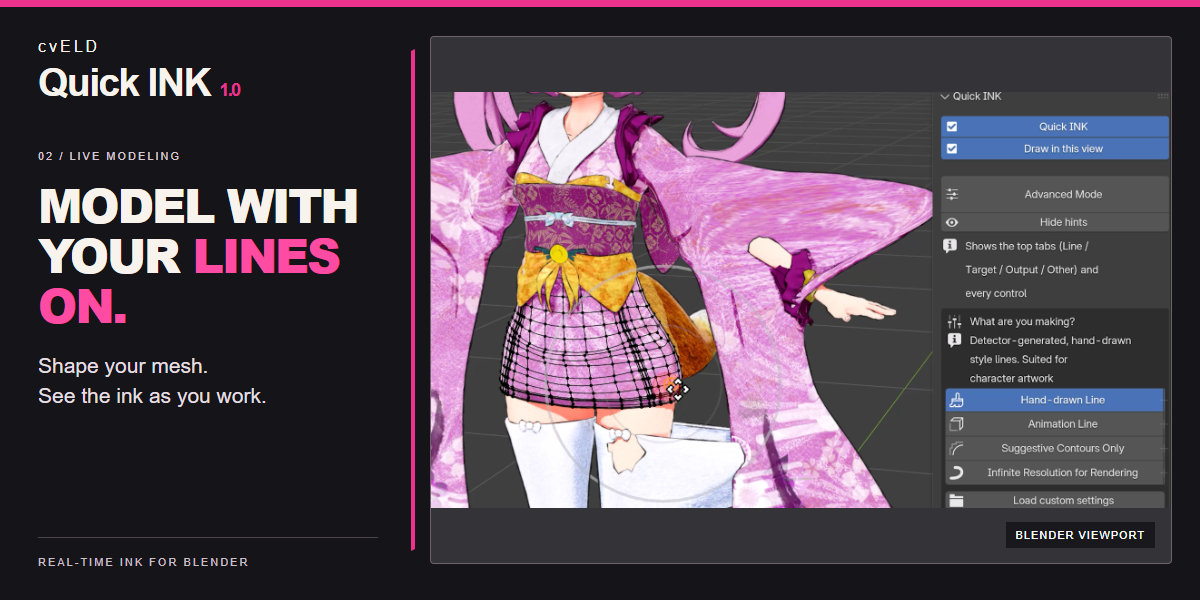
See it while you model
Refine the silhouette of hair, clothing and characters while keeping your linework visible in the 3D View.
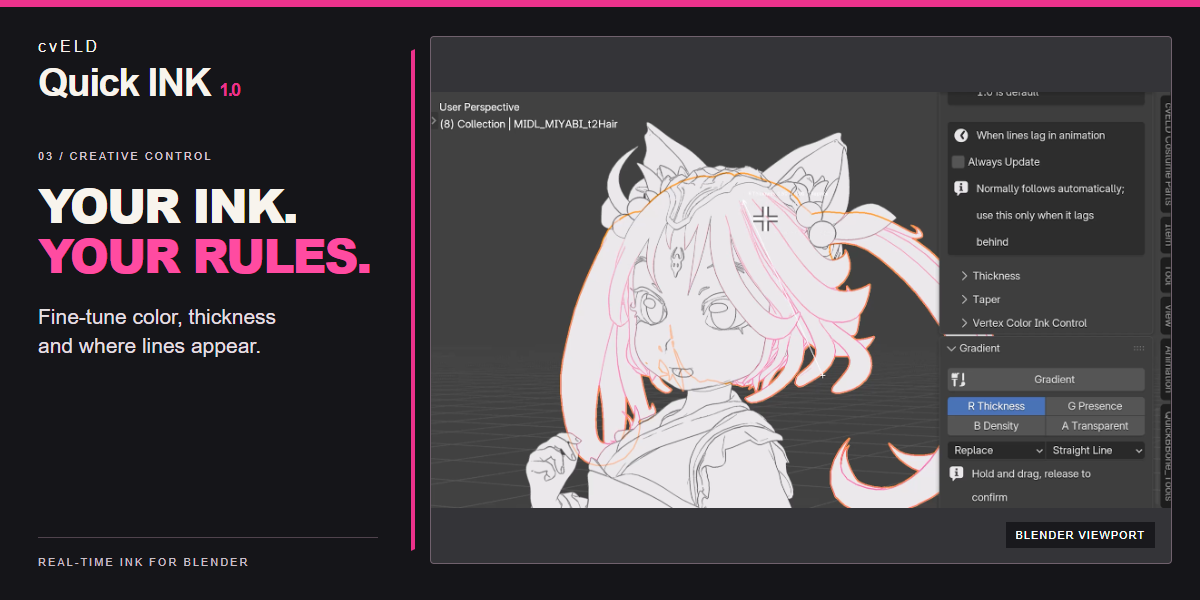
Small changes. Your signature.
Adjust width, color and opacity. Use No Ink, per-object controls, brushes and gradients to decide where lines belong.
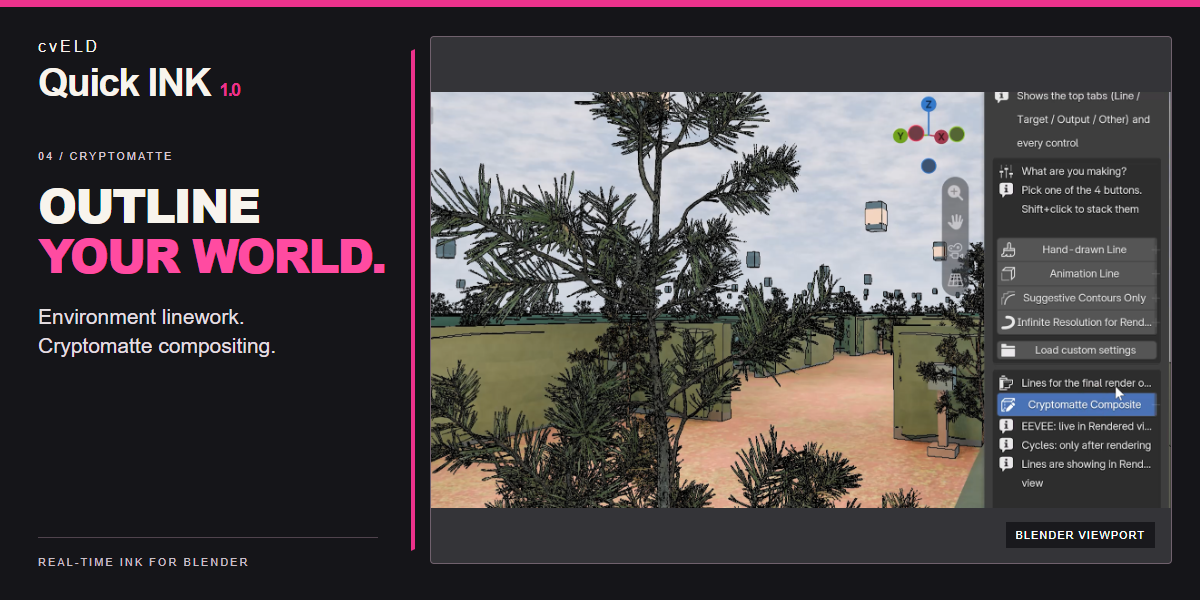
From characters to entire worlds
Add definition to environments with Cryptomatte Composite. EEVEE previews it in Rendered view; Cycles shows the result after rendering.
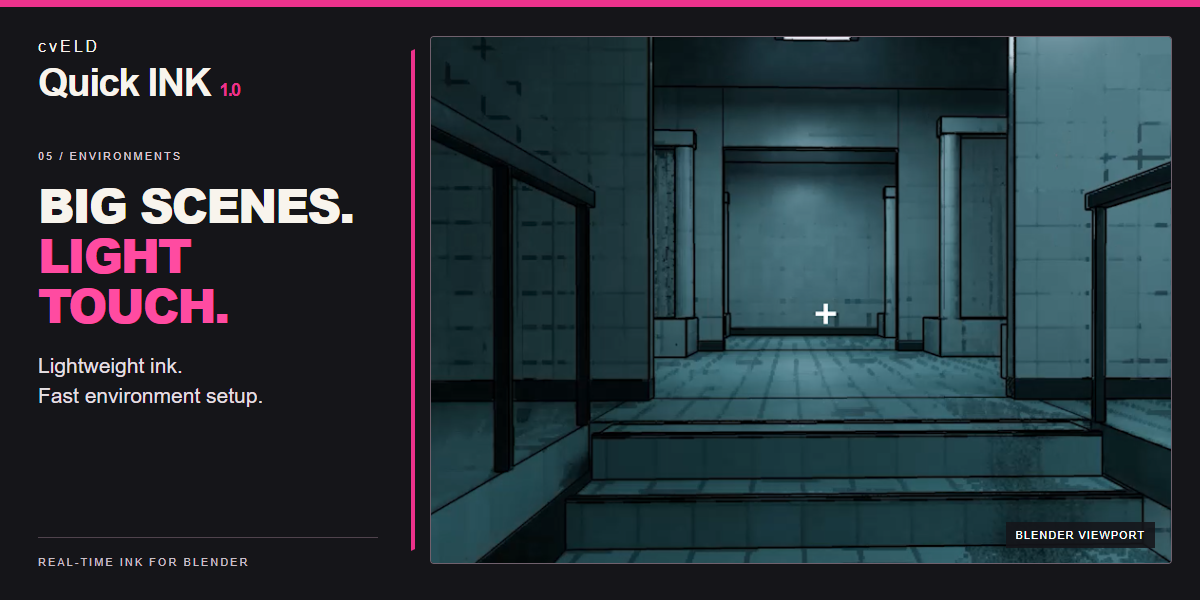
Give backgrounds a graphic edge
Build a readable look for architecture and backgrounds. Start with a simple line setup and adjust the layers you need. Performance depends on scene complexity, resolution and GPU.
Get started in minutes
- In Blender, open Edit > Preferences > Add-ons > Install from Disk and choose the release ZIP without extracting it.
- Enable cvELD Quick INK. In the 3D View, press N and open Quick INK.
- Enable Quick INK and Draw in this view. Select a use-case preset and adjust the line width.
- Open Advanced Mode when you want more control over line sources, targets and output.
Make the look yours
Adjust Base Width, Color and Opacity first. Add taper, per-object No Ink settings, and vertex-color brush or gradient controls as needed. Save reusable looks as JSON settings.
Requirements and output
Blender 4.5 or later and an OpenGL GPU environment supporting compute shaders and image load/store. The documented tested environment is Blender 5.2.1 with an NVIDIA RTX 5090. Other GPU configurations are not guaranteed. Speed depends on your scene, viewport resolution and GPU.
The standard viewport ink overlay is independent of the final render. Use the supported PNG line/composite export, vector SVG export, or Cryptomatte Composite workflow for output. Cryptomatte previews in EEVEE Rendered view; Cycles evaluates it after rendering.
Need a hand?
If lines are missing, check both display switches, target filters and the current view. Start with one use case and one layer. Save your blend file and JSON settings before updating.
Complete English / Japanese manual · Support: @cvELD_info
By Land-Y. GPL-3.0-or-later, without warranty. Example models and environments shown in screenshots are not included.